Clash Detection in BIM Explained: A Simple Step-by-Step Guide
Apr 04, 2026
Category: Uncategorized
SEO TSA
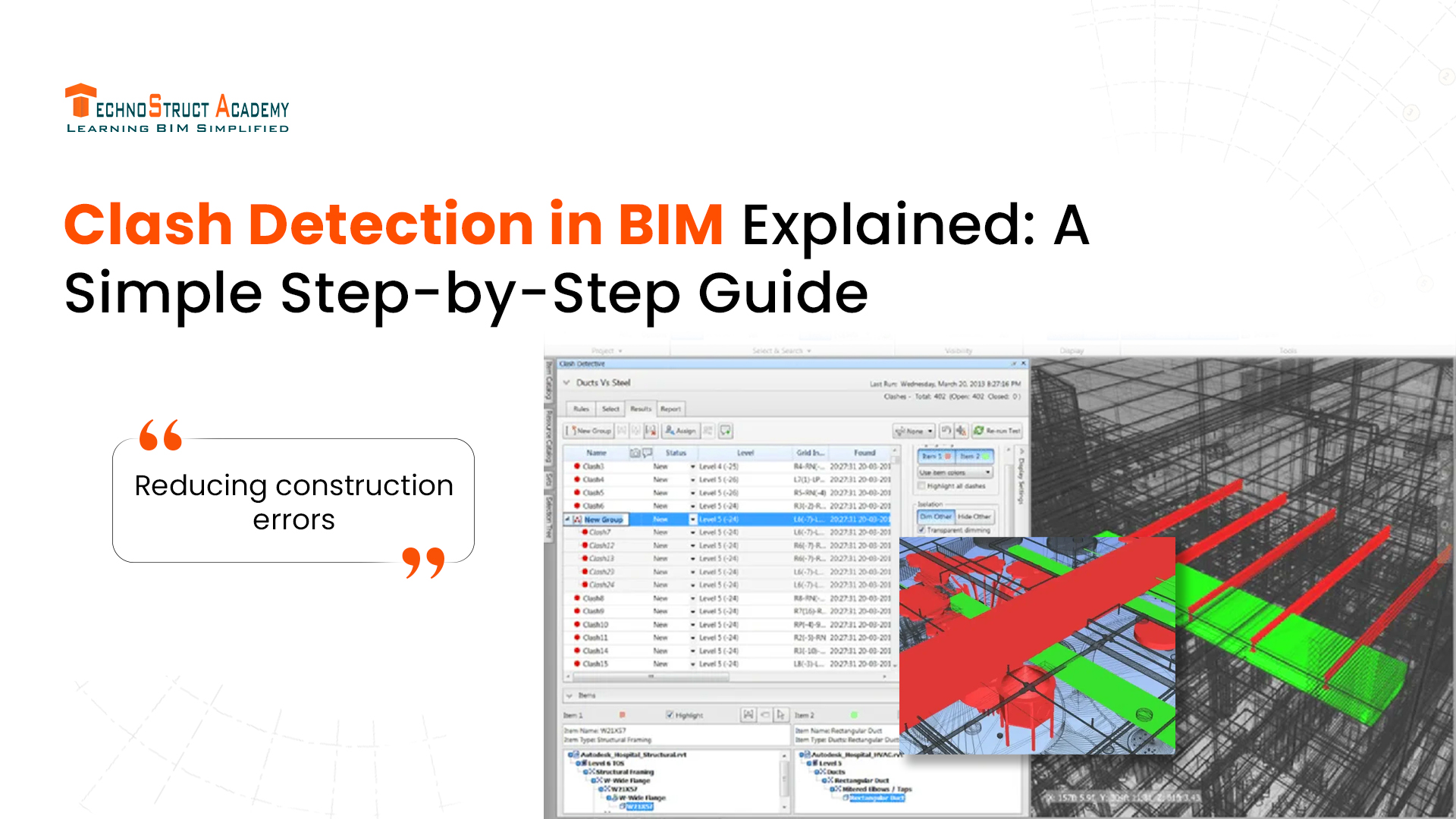
In modern construction projects, multiple teams work together—architects, structural engineers, and MEP professionals. Each team creates its own design, and sometimes these designs overlap or conflict with each other.
This is where clash detection in BIM (Building Information Modeling) becomes extremely important.
In this guide, we’ll explain clash detection in a simple way and walk you through the step-by-step process used in real projects.
What is Clash Detection in BIM?
Clash detection is the process of identifying conflicts between different building systems in a 3D BIM model.
For example:
- A pipe passing through a beam
- Electrical wiring clashing with HVAC ducts
- Structural elements overlapping with plumbing
Instead of finding these issues during construction (which is costly), BIM helps detect them early in the design stage.
Why is Clash Detection Important?
Clash detection helps in:
- Reducing construction errors
- Saving time and cost
- Improving coordination between teams
- Avoiding on-site rework
It ensures that all building systems fit perfectly before construction begins.
Types of Clashes in BIM
1. Hard Clash
When two elements physically intersect (e.g., pipe through a wall).
2. Soft Clash (Clearance Clash)
When elements are too close and don’t have enough space for maintenance.
3. Workflow Clash
When there are scheduling or sequencing conflicts between teams.
Step-by-Step Process of Clash Detection in BIM
Let’s break it down into simple steps:
Step 1: Create Discipline Models
Each team creates its own BIM model:
- Architectural model
- Structural model
- MEP model
These models are usually created using BIM software like Revit.
Step 2: Combine Models (Federated Model)
All discipline models are combined into one central model using coordination tools like Navisworks.
👉 This combined model is called a federated model.
Step 3: Run Clash Detection
The software scans the model to find conflicts between elements.
👉 You can select specific elements to check, such as:
- Pipes vs beams
- Ducts vs ceilings
Step 4: Review Clash Results
The system generates a report showing all detected clashes.
Each clash includes:
- Location
- Elements involved
- Type of clash
Step 5: Assign Issues to Teams
Each clash is assigned to the relevant team (MEP, structural, or architectural).
👉 For example:
- Pipe issue → MEP team
- Beam issue → Structural team
Step 6: Resolve Clashes
Teams modify their designs to fix the issues.
This may involve:
- Rerouting pipes
- Adjusting duct paths
- Changing structural elements
Step 7: Recheck the Model
After fixing issues, clash detection is run again to ensure all conflicts are resolved.
👉 This process continues until the model is clash-free.
Tools Used for Clash Detection
Some popular BIM tools include:
- Revit – For creating models
- Navisworks – For clash detection and coordination
- BIM 360 – For collaboration and issue tracking
Benefits of Clash Detection in BIM
- Early problem detection
- Better team coordination
- Reduced project delays
- Lower construction costs
- Improved project quality
Real-World Example
Imagine a commercial building where:
- HVAC ducts run through ceilings
- Electrical conduits pass nearby
- Plumbing pipes are installed above
Without clash detection, these systems may overlap during installation. But with BIM, conflicts are identified and resolved before construction begins.
Career Opportunities in BIM Coordination
Clash detection is a key skill in BIM careers.
Job Roles:
- BIM Coordinator
- BIM Engineer
- MEP BIM Modeler
- BIM Manager
Professionals with clash detection skills are highly in demand in construction and infrastructure projects.
Conclusion
Clash detection in BIM is one of the most important processes in modern construction. It helps identify and fix design conflicts before they become expensive problems on-site.
By following a simple step-by-step approach, teams can ensure smooth coordination, better efficiency, and successful project delivery.

Blog Categories