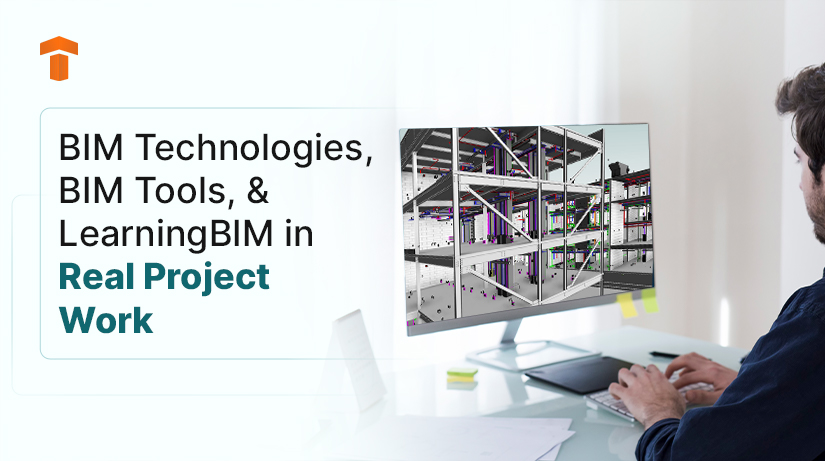
BIM Technologies, BIM Tools, and Learning BIM in Real Project Work
Jan 09, 2026
Category: Uncategorized
SEO TSA
Introduction
BIM Technologies and BIM Tools rarely enter conversations as buzzwords on live projects. They surface through how teams coordinate, how information holds together, and how fewer issues slip through late. For anyone learning BIM today, the focus has shifted from software familiarity to workflow awareness.
How BIM Technologies Actually Show Up on Projects
Early BIM adoption focused heavily on 3D models. What matters now sits beneath the geometry. Data structure. Coordination logic. Information reuse. These elements define current BIM Technologies more than visual output.
This evolution explains why BIM Tools now support far more than drafting. They manage schedules, costs, performance, and handover data.
Cloud-Based Collaboration Feels Less Like Software and More Like Infrastructure
Cloud-based BIM platforms are instrumental in making friction disappear. Teams stop emailing files. Models stay current. Decisions move faster because everyone sees the same information.
Tools such as Autodesk BIM 360 and Trimble Connect support this environment by centralising coordination. The benefit becomes obvious on distributed projects, where delays often stem from misaligned information rather than technical complexity.
Scan-to-BIM Brings Reality Back Into the Model
Scan-to-BIM changes how teams approach existing buildings. Laser scans capture conditions as they are, not as drawings suggest. Point clouds translate into models that reflect reality more closely.
This approach proves valuable during renovations and retrofits. It reduces site surprises. It improves confidence during early planning. Facility teams also benefit when models reflect what exists, not what once existed.
Time and Cost Change the Conversation When Linked to Models
4D and 5D BIM reshape coordination meetings. Linking time and cost to models turns abstract discussions into visible outcomes. Scheduling conflicts surface early. Budget impacts appear before procurement begins.
These BIM Technologies help teams respond instead of react. Cash flow planning improves. Design decisions feel more grounded because consequences show up immediately.
Generative Design and AI Feel Practical When Used Carefully
Generative design often attracts attention for its novelty. Its real value appears in constraint-heavy projects. AI-driven tools generate multiple options based on performance goals, materials, and site limits.
The workspace layout at Autodesk’s Toronto office was optimized using generative design based on employee preferences for factors like views, desk closeness, and natural light.

Architects compare outcomes instead of redrawing variations. Teams explore more ideas without extending timelines. When used with intent, these BIM Tools support creativity rather than replacing it.
Digital Twins Extend BIM Beyond Handover
Digital Twins change what happens after project completion. They maintain a living connection between the physical asset and its data. Sensors feed operational information back into the model.
Facility managers gain visibility into performance trends. Maintenance planning becomes informed rather than reactive. Over time, these models support smarter decisions across the building lifecycle.
Infrastructure Projects Reveal the Limits of Fragmented BIM
Large infrastructure projects expose weak workflows quickly. Roads, bridges, railways, and airports involve many disciplines working in parallel. BIM supports this scale when teams rely on shared models and structured coordination.
Governments mandate BIM not because of software preference, but because fragmented information increases risk. Model-based planning provides consistency across long project timelines.
Why Learning BIM Looks Different Now
Learning BIM extends beyond tool navigation. Employers expect understanding of coordination logic, data flow, and real project constraints. Architects engage with cost. Engineers collaborate earlier. Facility teams depend on usable handover data.
Professionals who invest in learning BIM through applied workflows adapt faster. They move between roles with less friction. Their value grows because they understand context, not just commands.
BIM Tools Matter Less Than How You Use Them
Revit, Navisworks, cloud platforms, and coordination tools form the base. What matters more is how teams connect them. Hands-on experience reveals gaps that tutorials never show.
Learning BIM through real scenarios builds confidence. Theory supports understanding, but practice shapes judgement. This difference becomes clear once projects scale.
Conclusion
BIM Technologies continue to evolve, but their purpose remains grounded in communication and coordination. BIM Tools support this goal when teams use them with clarity. Learning BIM today means understanding how information survives across phases, not just how models look on screen.
Professionals who approach BIM this way build careers that last longer than software cycles.

Blog Categories